
reset DStv decoder correctly is a useful topic for Cape Town viewers because repeated resets can hide the real fault or wipe settings when the actual issue is signal, cable or account related. This guide explains the safe first checks, what the decoder message may mean, and when to call a technician before making the fault worse.
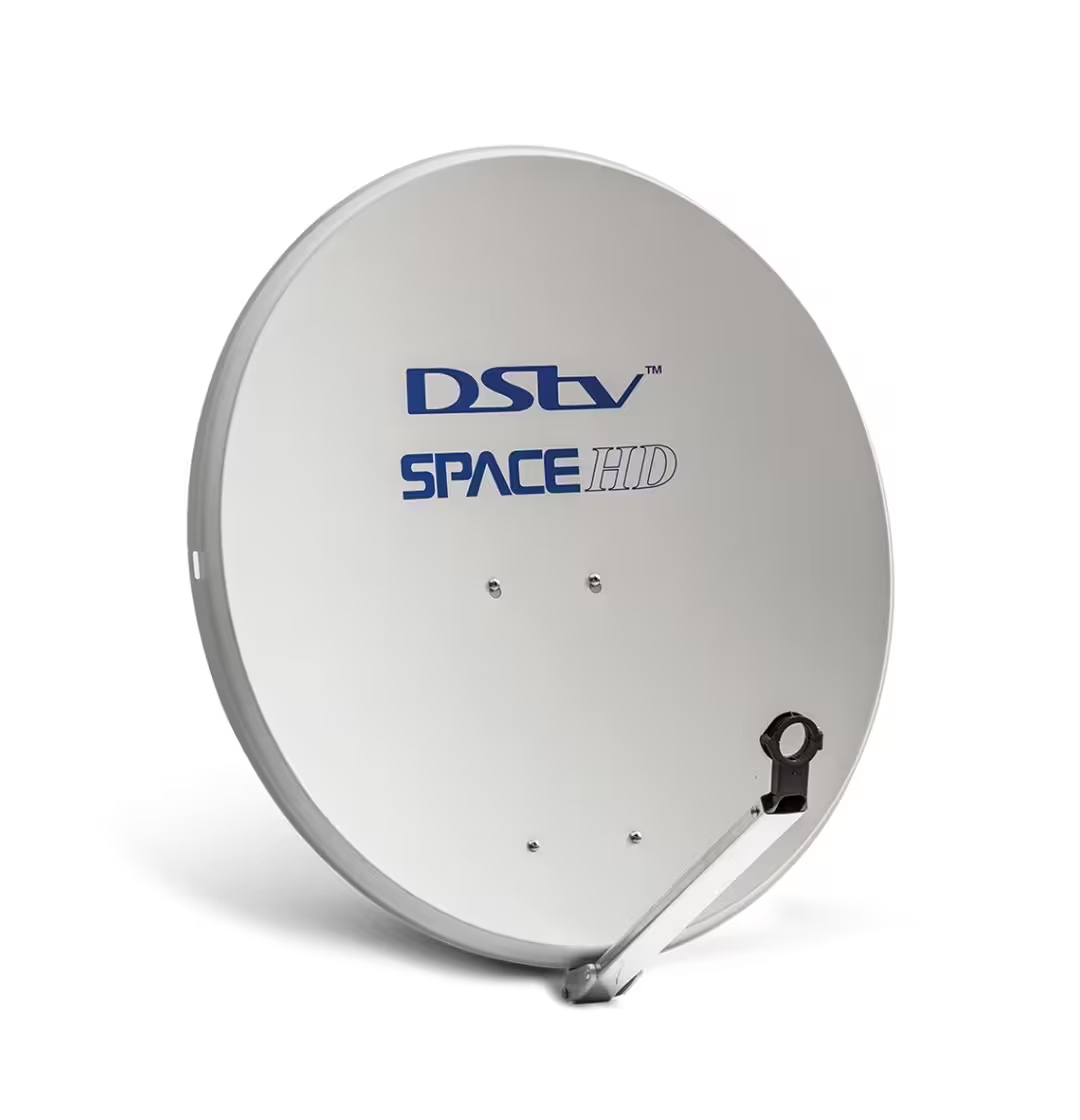
reset DStv decoder correctly: quick answer
The quick answer is to start with the least risky checks first. Restart the decoder, confirm cables and account basics, then test signal quality if the same issue returns. If the installation is weak, menu changes and resets will not fix the root cause.
Key Takeaways
- Use decoder resets carefully; they do not repair weak signal or damaged cable.
- Signal quality is the key reading when channels freeze or disappear.
- Guesthouse and Airbnb setups need clearer planning than a normal home lounge.
- Smartcard and account messages can overlap with installation faults.
- Keep final setup notes so future repairs are faster and cheaper.
Why this decoder restart and reset safety issue happens
DStv systems depend on the decoder, account status, dish alignment, LNB, cabling and correct setup. A fault in any one area can create a message that looks like a decoder problem. The best approach is to isolate the simplest causes first, then test the physical installation if the issue remains.
For account and decoder guidance, the official DStv help centre is the best starting point. For dish alignment, LNB, cabling and multi-room setup, a local installer should test the signal path on site.
Best checks before calling for help
- Write down the exact error or symptom before restarting anything.
- Check that all cables are seated firmly and the TV input is correct.
- Restart the decoder once and wait for it to fully load.
- Check whether all channels are affected or only certain channels.
- Look at signal strength and signal quality readings if the decoder menu allows it.
- Avoid factory reset unless you know the installation settings can be restored.
- Book a technician if the same problem returns after the basic checks.
Comparison table
| Situation | What it may mean | Best next step |
|---|---|---|
| Soft restart | Clears temporary decoder issue | Try before deeper reset |
| Power cycle | Useful after freezing | Wait before switching on |
| Factory reset | Last resort | Only if settings are known |
| Setup wizard fails | Signal path issue likely | Book installer test |
When a professional installer helps
A professional installer helps when the problem touches the physical installation: dish alignment, LNB type, damaged cable, water ingress, or multi-room distribution. For guesthouses and Airbnbs, the installer should also think about future support, guest instructions and neat cable routing.
We help customers in areas such as DStv installation in Claremont DStv installation in Stellenbosch DStv installation in Bloubergstrand book a Cape Town DStv installer. When you contact us, include the decoder model, property type, suburb, and whether this is a single TV, multi-room home, Airbnb, B&B or guesthouse setup.
Common mistakes to avoid
- Do not factory reset repeatedly when the dish signal is weak.
- Do not ignore account or subscription messages if the decoder clearly shows one.
- Do not use loose splitters or poor cable joins for multi-room setups.
- Do not leave guesthouse TVs without simple instructions for guests.
- Do not guess at signal readings; test them properly before replacing parts.
Practical Cape Town advice
In Cape Town, wind, rain and long cable routes can turn a small installation weakness into a repeated decoder problem. If you keep seeing the same message, look beyond the decoder and ask for a proper signal-quality reading at the end of the job.
reset DStv decoder correctly should be handled step by step. A careful restart or smartcard check is fine, but repeated errors need a proper diagnosis so the fix lasts through weather, load shedding and normal day-to-day use.
FAQ
Can I fix this without an installer?
Sometimes. If it is a loose cable, simple restart, card seating issue or account message, you may resolve it yourself. If signal quality is unstable, call a technician.
Will resetting the decoder fix signal problems?
No. A reset can clear a temporary decoder issue, but it will not realign a dish, repair damaged cable or replace a failing LNB.
What signal reading should I care about most?
Signal quality is usually more important than signal strength. A high strength reading with low quality can still cause freezing, missing channels and setup errors.
Is this different for guesthouses or Airbnbs?
Yes. Guest properties need reliable viewing, neat cabling, clear room labels and easy support steps because guests may not understand the decoder setup.
Should I contact DStv or an installer first?
Contact DStv for account, subscription and pairing issues. Contact an installer for dish, cable, LNB, signal and multi-room installation problems.
Can a smartcard error be caused by signal?
Some card messages are account or pairing related, but confusing decoder behaviour can also happen alongside weak signal. Check both before replacing equipment.
What should I tell the technician?
Give the exact error, decoder model, suburb, property type, number of TVs, and whether the issue started after weather, moving equipment or changing accounts.
Related DStv Guides
- DStv LNB prices in South Africa
- DStv cables and connectors guide
- DStv business installation packages
Need a DStv pro in Cape Town?
- DStv installers near me — certified local technicians across Cape Town
- DStv technician near me — book a skilled tech today
- DStv repairs near me — fast signal and decoder fixes
- DStv dish installation prices — 2026 Cape Town price guide
- DStv contact number Cape Town — local installer and repair line
More Cape Town DStv guides
Use these related installation setup guides if you are comparing options, diagnosing a fault, or planning a booking.
- Do You Need a Decoder to Use DStv Streaming?
- How to Check DStv Signal Strength and Quality
- DStv ExtraView Setup: The Best Simple 2026 Guide
- How Long Does a Standard DStv Installation Take?
- How to Run the DStv Installation Wizard on Your TV
- DStv installation cost in Cape Town
- DStv E48-32 signal error fixes
- where to mount a DStv dish
- DStv Explora vs HD decoder
- questions to ask a DStv installer
- DStv dish realignment and servicing